Wish to Buy end to end, a split Cherry Market Rate, and a rebuilt Inventory
September 24 - October 9, 2026 · iOS 1.0.57 & 1.0.58
Categories: New Feature, Improvement, Fix Products: iOS
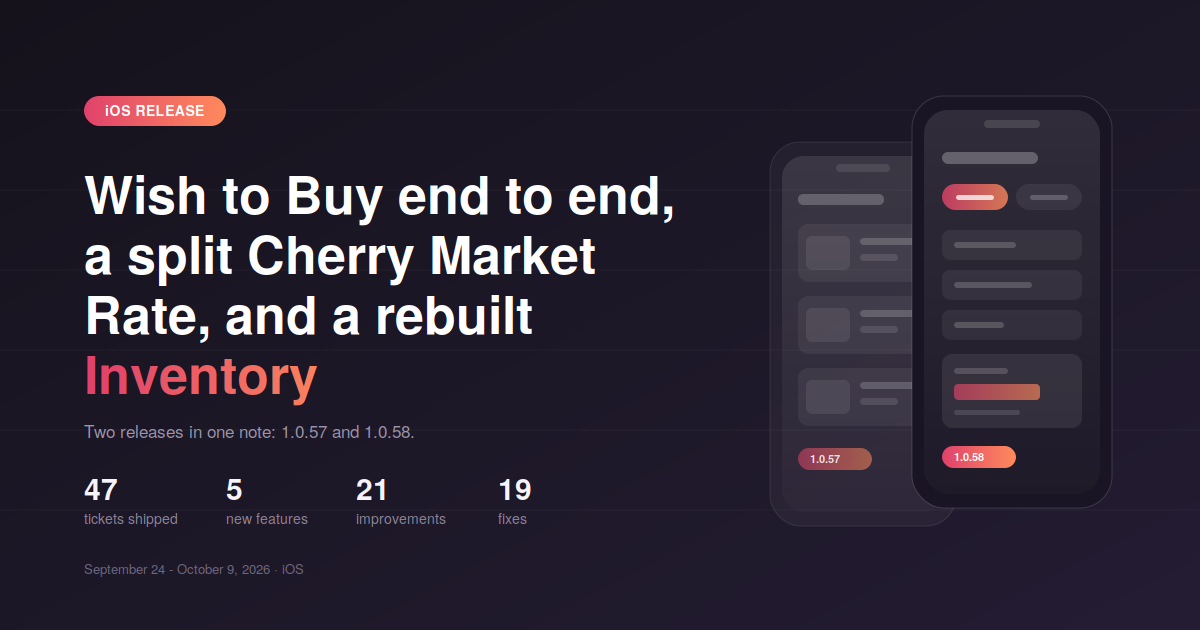
Two iOS releases published together. 1.0.57 focused on the Wish to Buy journey, catalogue filtering and a long QA sweep across listing and asset forms. 1.0.58 followed with Cherry Market Rate split into Reference and VIN search, a reduced CMR form, and a full refactor of the Inventory system and Home page under the hood.
47 tickets shipped · 5 new features · 21 improvements · 19 fixes · 2 refactors
1.0.57 - September 24
New
Specifications linked to categories Specifications are now tied to the category you pick, both in the listing creation form and in the catalogue filters. You only ever see the specs that actually apply to the equipment type you are working with. CER-4401
Additional filters in the catalogue The catalogue sidebar gains a dedicated Additional filters section, so the detailed criteria sit apart from the main filter set instead of crowding it. CER-4998
Video Available badge and filter Listings with a video now carry a Video Available badge on the card, and you can filter the catalogue down to only those listings. CER-4724
Confirmation screen after a Wish to Buy signup Creating an account while submitting a Wish to Buy request now ends on a proper success screen rather than dropping you back with no confirmation. CER-4847
Improvements
Matching listings are clickable On a Wish to Buy request detail page, the matched listings are now links. Tap one and you go straight to the listing. CER-4717
Wish to Buy form refinements Purchase Timeline options were rewritten, account details are prefilled when you tick Create account, and the Browse Matched Listings and Check Market Rate buttons no longer sit there active when there are no results. The empty results page now explains what happened instead of showing a blank state. CER-4696 CER-4840 CER-4835 CER-4985
Image upload limit Images over 10 MB are rejected up front when creating or editing a listing or asset, with a clear message, instead of failing silently during upload. CER-4423
Pricing flow on Add/Edit listing Adding a new price period now scrolls you to it, and the first activated price is automatically set as the Primary price. CER-4902 CER-4997
Multiple units layout Field order on listings with multiple units was reworked so the form reads in the order you fill it. CER-4880
Clearer copy The Hide VIN toggle description, the Internal Notes placeholder, the publish-without-image message and the recommended angles hint on Edit Equipment were all corrected. Lead Center empty tabs now show content specific to each tab. CER-4858 CER-4563 CER-4425 CER-4869 CER-4939
Fixes
Save changes modal appeared with nothing to save Leaving the Edit Equipment page without touching anything no longer triggers the unsaved changes prompt. CER-4942
Additional services were lost on save Additional services values now persist on both listings and assets. CER-4980
Unread markers stayed after reading The marker on a Video Tour Request now clears once you open it, and unread Email requests correctly show the dot marker. CER-4860 CER-4975
Fleet selector leaked into Listing Hub filters Individual users no longer see the Fleet selector appear in the Listing Hub filter after setting other parameters. The Fleet Select popup also shows the total equipment count for the topmost fleet again. CER-4862 CER-4553
Internal Notes editor looked disabled The formatting tools in the Internal Notes text editor render as available. CER-4856
Rental details were not prefilled Rental Rate Unit and Date are prefilled from the listing period. CER-4565
Dealer page was missing seller info Social media links and the rest of the additional seller information show on the dealer page. CER-4882
Registration error message Entering an invalid location during registration now returns the correct error instead of a generic one. CER-4866
Stability Two Sentry-reported crashes resolved: an app hang and an EXC_BAD_ACCESS. CER-4974 CER-5002
1.0.58 - October 9
New
Cherry Market Rate split into two tabs CMR now has separate Search by Reference and Search by VIN tabs, so each path has its own form instead of one combined screen. CER-5054
Improvements
A shorter CMR form Mandatory fields are down to Category, Subcategory and Type. Everything else is optional, which makes a rate check a few taps instead of a full form. The Reference field is now labelled Preference. CER-5047 CER-5085
Wish to Buy price range Request details show the price range when Open to offers is set, rather than leaving the price blank. CER-4697
My Inventory move location The move location dropdown was reworked, and the View in Listing Hub action from the asset menu now behaves as expected. CER-5034 CER-5077
Recent Listings on Home Home now reads Recent Listings from the new catalog endpoint, which keeps it consistent with the rest of the catalogue. CER-5080
Billing hidden in My Profile The Billing item is hidden on mobile until the flow is ready. CER-5116
Fixes
Add new listing button was missing The button is back on the Archived listings tab. CER-4551
Values dropped on save Length in ft/in and Additional services now save correctly on assets. CER-4982 CER-4986
Wish to Buy lost your last step Tapping back from the final step of the Wish to Buy form no longer wipes what you entered. CER-4698
Rental Rate Unit dropdown missing The dropdown is present again in the Rental Details popup on My Inventory. CER-5078
Wrong Dashboard icon The menu item in the Dashboard shows the correct icon. CER-4963
Stability One Sentry crash resolved. CER-5106
Under the hood
The Inventory system and the Home page were both refactored. No change in behaviour, but both screens are faster and sit on cleaner foundations for the inventory work coming next. CER-5032 CER-5038