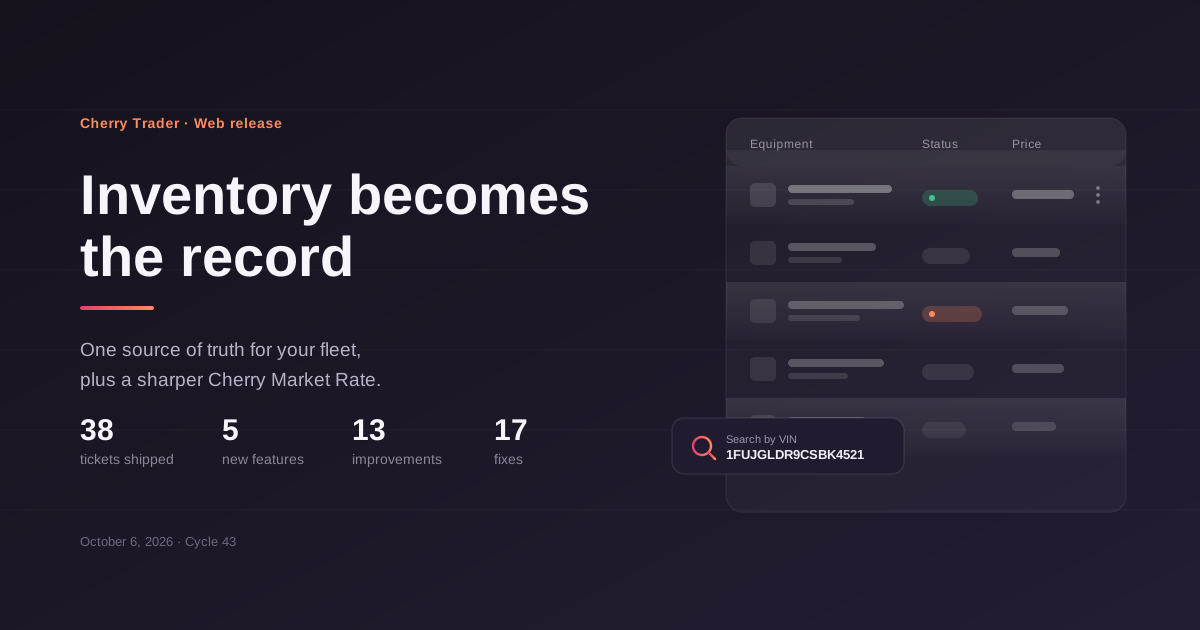
CMR gets Preference and VIN search, Inventory becomes the record.
October 6, 2026 · Web · Cycle 43
Categories: New Feature, Improvement, Fix Products: Web, Admin
The Inventory Management System reaches web in full: the equipment record is now the dealership's source of truth, with its own search and filter row, a completed Deep Record and dedicated tabs for lead performance and sales history. Cherry Market Rate gets its own round of work - a VIN tab, Cherry Trader listings feeding the valuation, and a weekly refresh so the number on a listing card stays current. Behind that, a heavy round of catalogue, filter and form fixes, and three clean-up tickets on the frontend.
38 tickets shipped · 5 new features · 13 improvements · 17 fixes · 3 maintenance
New
Inventory Management System on web Inventory is no longer a second Listing Hub. The equipment record is now the dealership's source of truth and a listing is a marketing channel attached to it. The dashboard is an operational table over the full fleet - stock number and VIN under the equipment name, location, mileage, ready-for-sale state, listing status, price against the Cherry Market Rate, total investment and assigned rep - and clicking a row opens the equipment record rather than an edit form.
Switch to a business account Individual users can create a business account from the account selector in the sidebar, without going back through registration.
Scam prevention disclaimer Backend support for the homepage disclaimer is live: the content is served from an endpoint so the copy can change without a client release, and your "don't show this again" choice is stored on your account so it carries across web, Android and iOS.
Cherry Market Rate
Search by VIN The CMR form is now split into two tabs. Search by Reference keeps the category-driven flow; Search by VIN takes a 17-character VIN, decodes make, model and year, and asks only for mileage on top. A partial decode tells you which fields could not be resolved, and a VIN that decodes but has no market data behind it returns a clean empty result rather than an error. VIN lookups are cached and rate limited.
Cherry Trader listings now feed the valuation CMR previously built reports from external sources only, so our own marketplace was invisible to the engine. Cherry Trader listings are now a first-class data source. Only listings with a valid price, category and make or model are eligible; drafts, hidden, deleted and expired listings are excluded, and a re-published listing or a repeated VIN is counted once. The source of every reference is stored, so a result can be traced back to Cherry Trader or to an external feed, and existing results were recalculated once when the source went live.
Market price on listing cards refreshes weekly The CMR value stored on a listing card used to be calculated once and never revisited, so a card could show a price months behind the market. A scheduled job now recalculates it weekly in batches. A listing with no references available keeps its previous value instead of dropping to empty, each listing carries a last-calculated timestamp, and a newly created listing gets its first valuation without waiting for the weekly run.
Fewer fields to get a valuation A valuation no longer requires a make. Category, subcategory and type are enough to get a result, on both the backend and the web form.
Model lists ordered by popularity Models in the CMR dropdown are ordered by how often they are actually searched for, per make, instead of alphabetically.
Clearer wording The "Reference" field on the CMR form is now labelled "Preference".
Improvements
Search and filtering in My Inventory The inventory dashboard gets a global search across VIN, stock number, model, manufacturer and equipment name, plus a reworked filter row with range inputs for year and mileage and new filters for Ready to Sale and listing status.
Equipment Detail View completed The Basics Information tab now carries Unit Number, subcategory and Description, all uploaded images are reachable from one place, and the duplicated status fields are gone.
Lead data on the equipment record The Performance and Lead Data tab shows the leads attached to a unit. Listing performance metrics are deliberately held back for a later release.
Sales history and cost summary The Sales Data tab now holds the full transaction history for a unit - sold, rental and lease records - with the cost summary moved in below it and several totals calculated automatically.
Move location from the inventory list The move location dropdown in My Inventory has been reworked to match the rest of the bulk action set.
Recent Listings excludes closed units The homepage Recent Listings section moved to a dedicated endpoint that returns published listings only, so sold, rented and leased units no longer appear there.
Mileage filter for Construction Detailed Filters on the homepage now include mileage for the Construction category.
Suggested categories reach Admin again Categories submitted through "Can't find your category? Suggest New" were being accepted on the client but never arriving in the Admin approval queue after the equipment write path was unified. They now persist on both add and edit, for listings and equipment, on draft save and on publish.
Fixes
Mark as Leased and Mark as Rented no longer appear on assets that only have the Sell deal type.
Subscribing to blog updates from the blog page works again.
On mobile web, selected categories now show in the filter panel with the right count, and the close button works.
The homepage top banner images load.
Dropdowns on the Wish to Buy form - purchase timeline, condition, preferred distance, financing preference, contact method - can be reopened after a value is selected.
Clearing the mileage field on a Trucks or Construction listing or asset now saves as empty, on draft and on publish.
Wish to Buy requests return the correct set of matching listings.
Changing the number of listings per page on a catalogue page applies.
The CMR table no longer renders a broken state as soon as a category is picked; it waits for Evaluate.
The Rental and Lease Rate Unit dropdown opens in the Rental and Lease Details pop-ups, on both Listing Hub and My Inventory.
The Assigned Sales Representative list stays open when editing an asset.
Selecting a category and pressing Start Search on the homepage now filters the results.
The Add business account modal opens instead of closing immediately.
The actions menu in the My Inventory list is reliably clickable without scrolling the table sideways first.
Under the hood
Floating UI replaced with shadcn/ui across popovers, dropdowns and tooltips, continuing the design system migration.
Image assets converted to WebP and compressed, unused assets removed, and the empty-state icon module - roughly 1.55 MB of embedded Base64 - split into separate modules.
Frontend dependencies updated across the website-frontend project.