🚀 Release Notes (Nov 18)

This release delivers significant platform stability and numerous quality-of-life improvements across both the web and mobile experience.
✨ Features & Improvements
User Acquisition
The new Marketing services page is complete and live.
Listing Management & Inventory
Completed the redesign and improvement of the Rework the "Saved Searches" functionality.
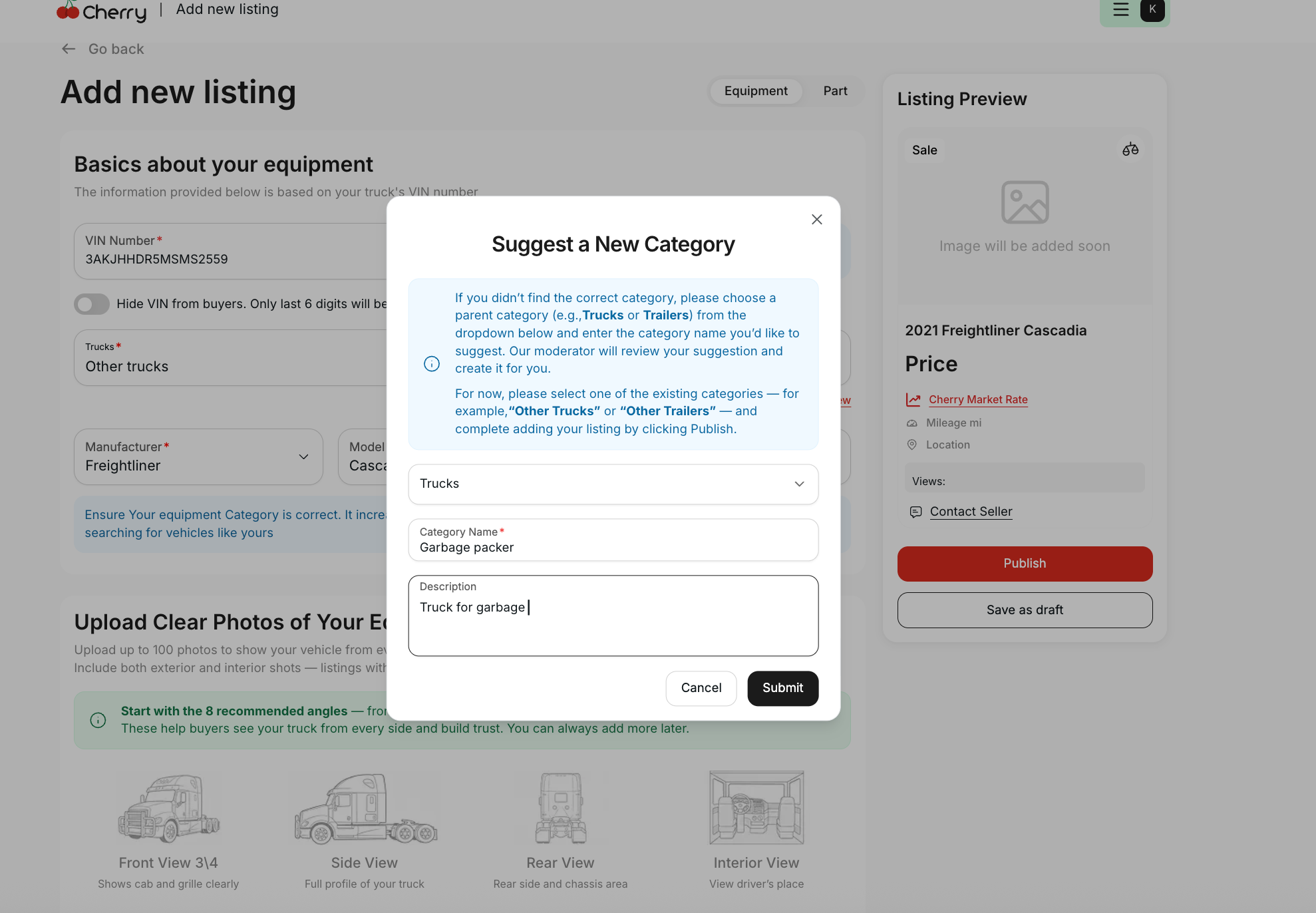
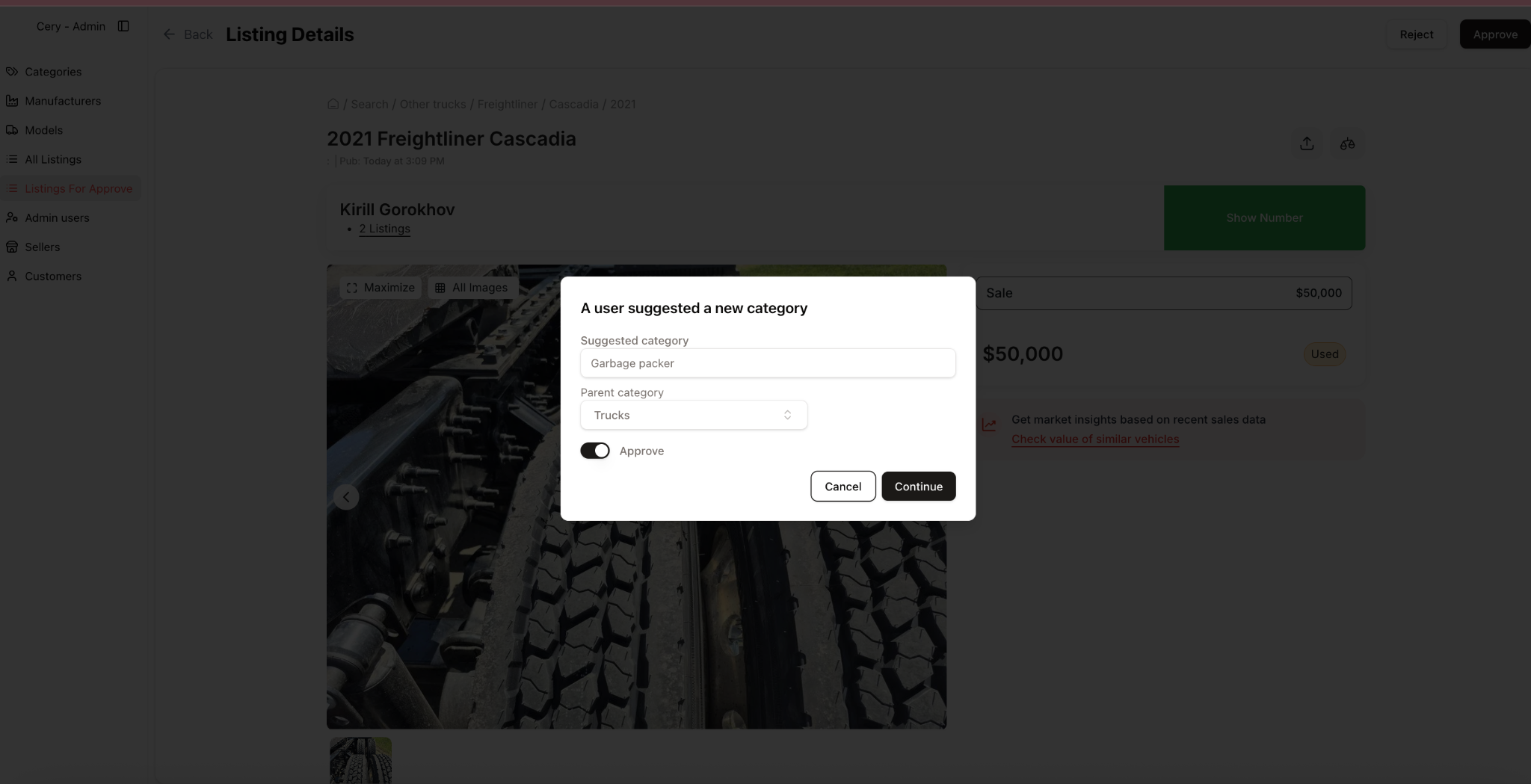
The "Submit Listing" pop-up has been refined for a better user experience.
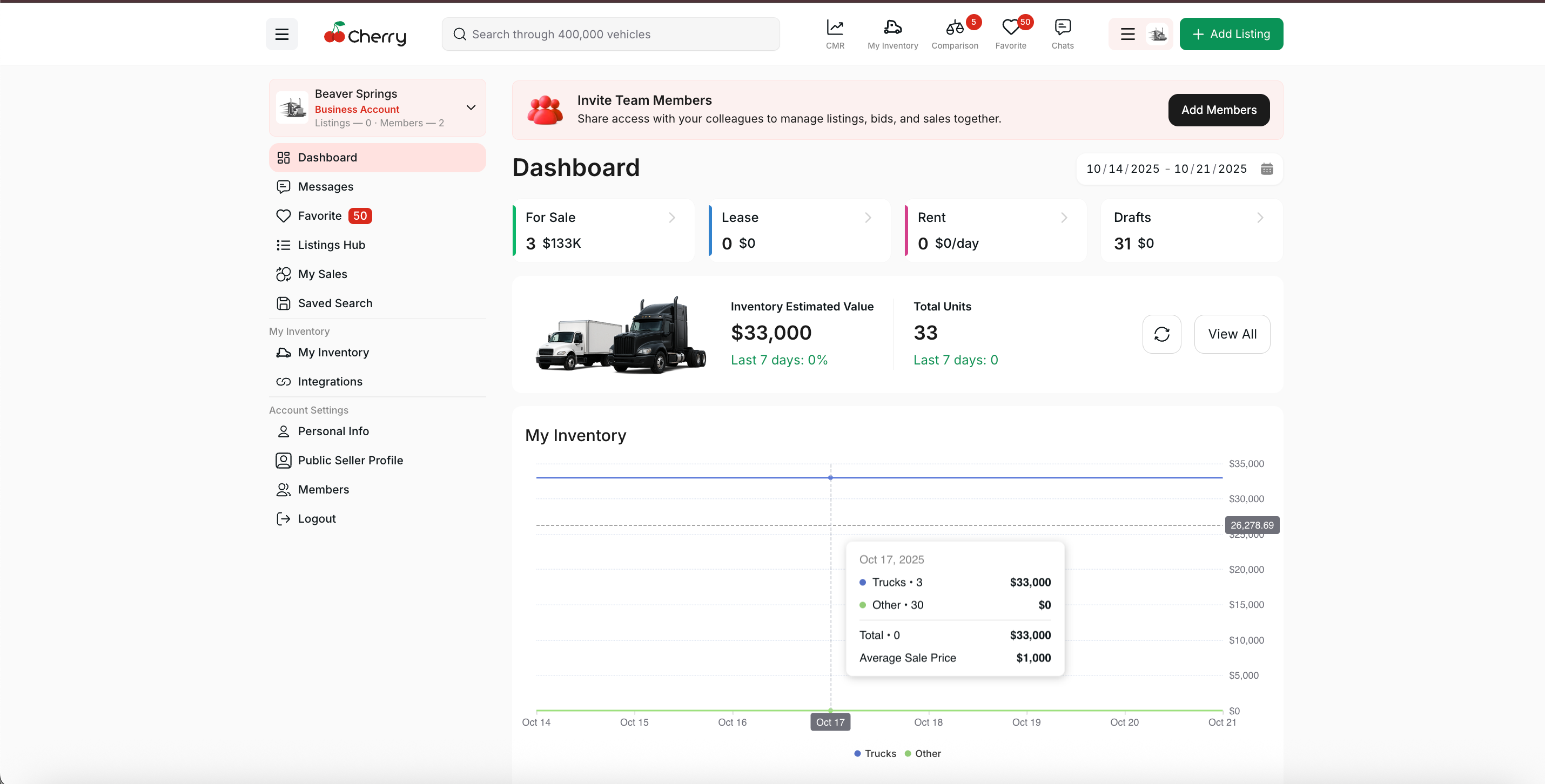
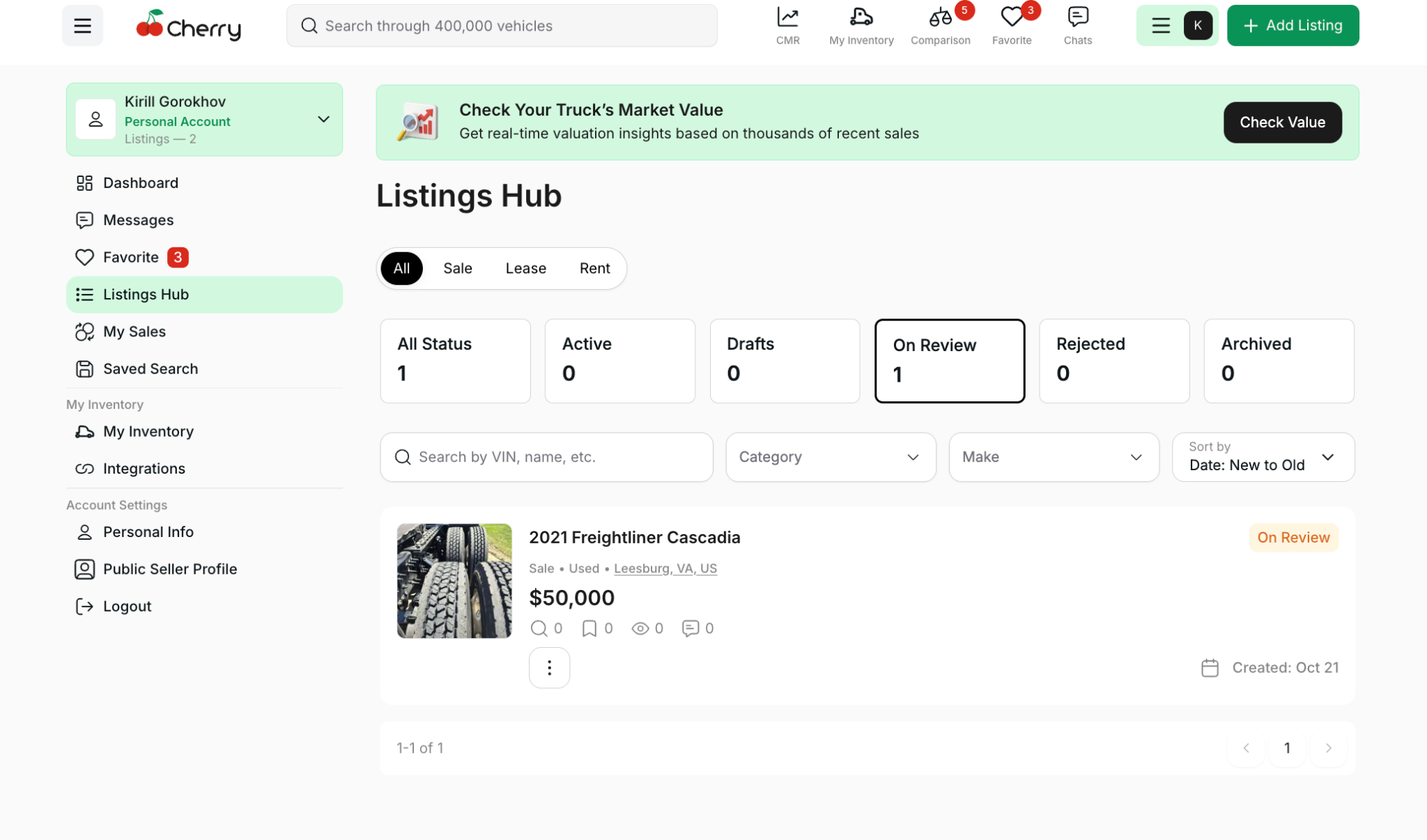
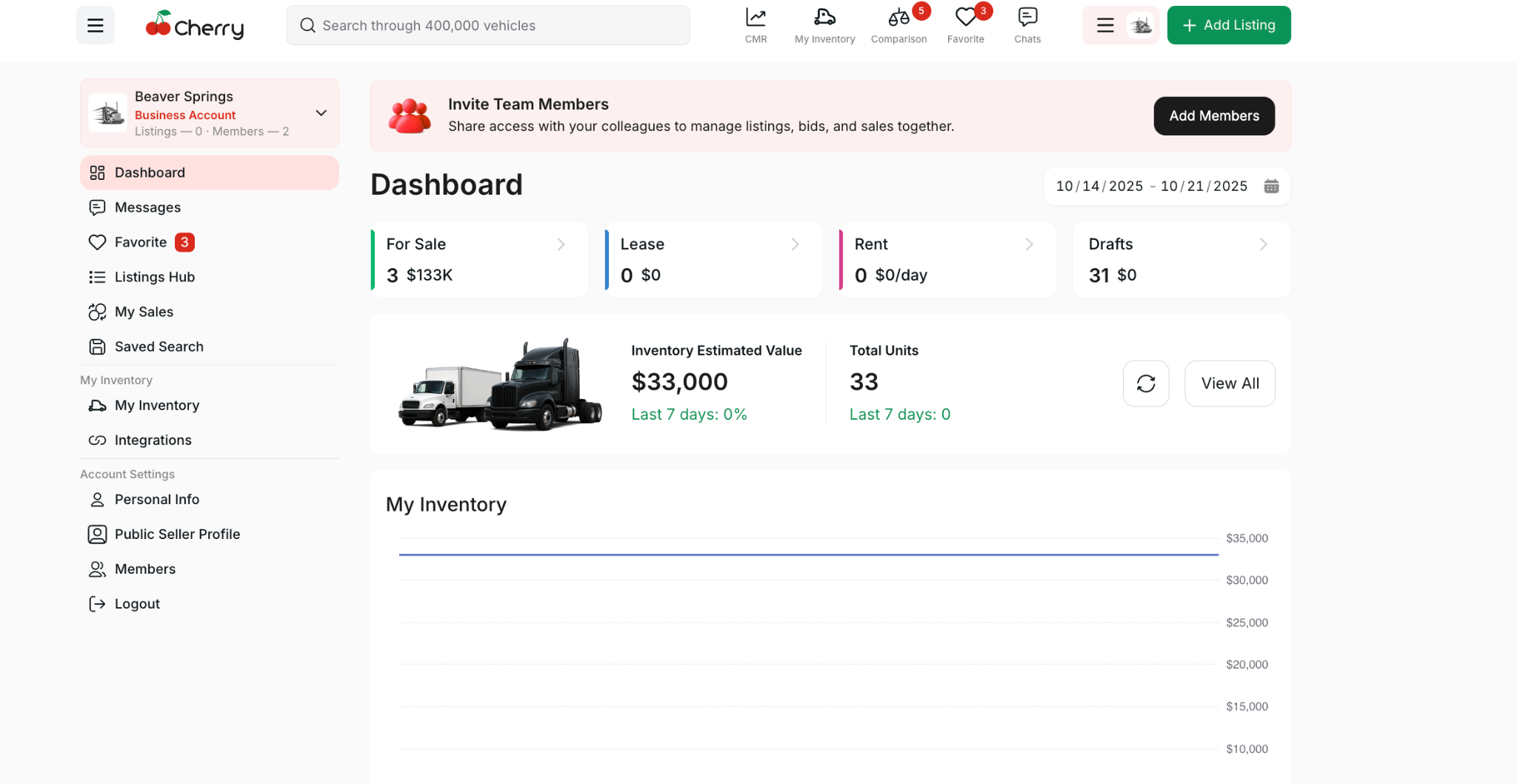
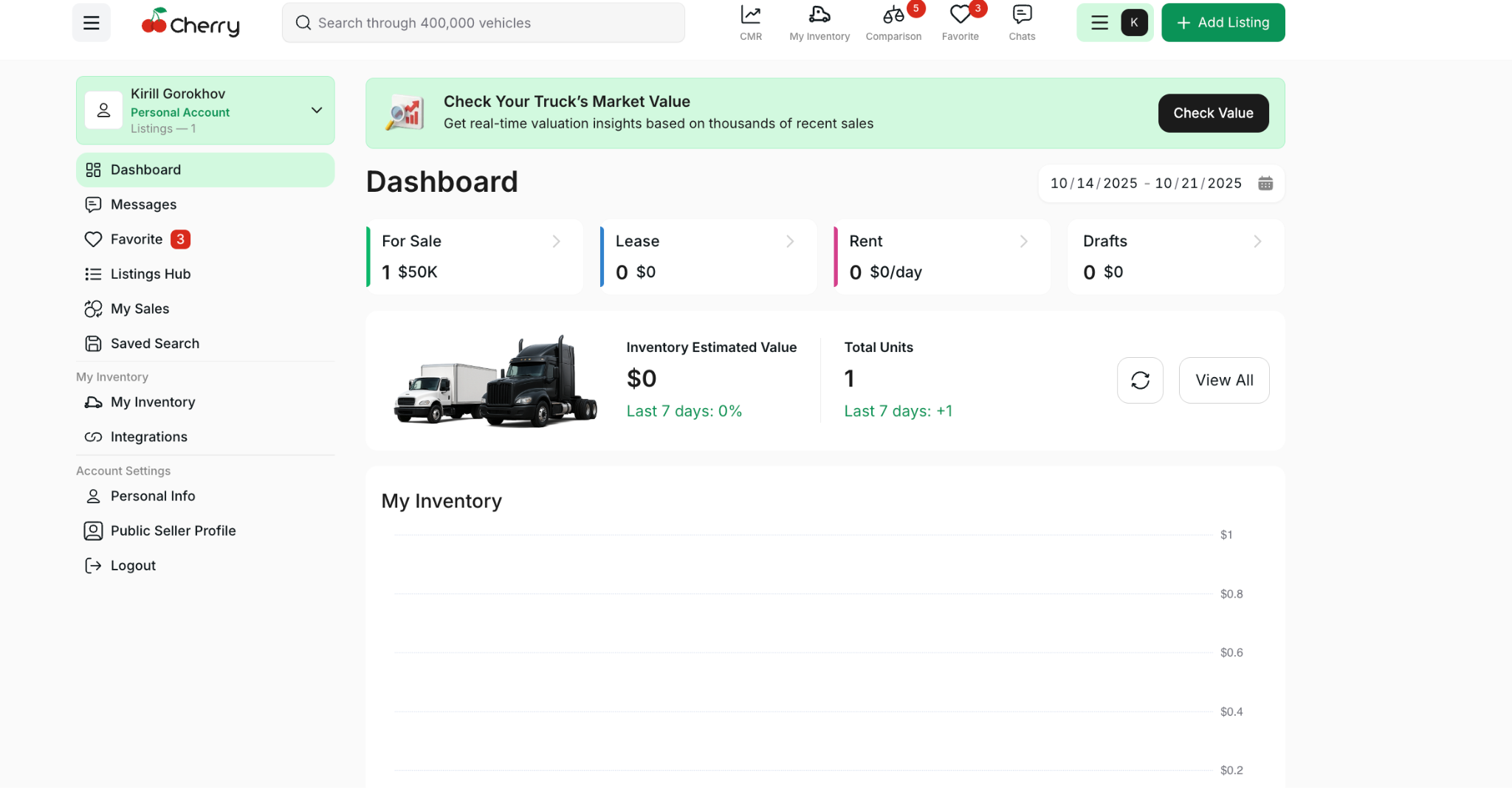
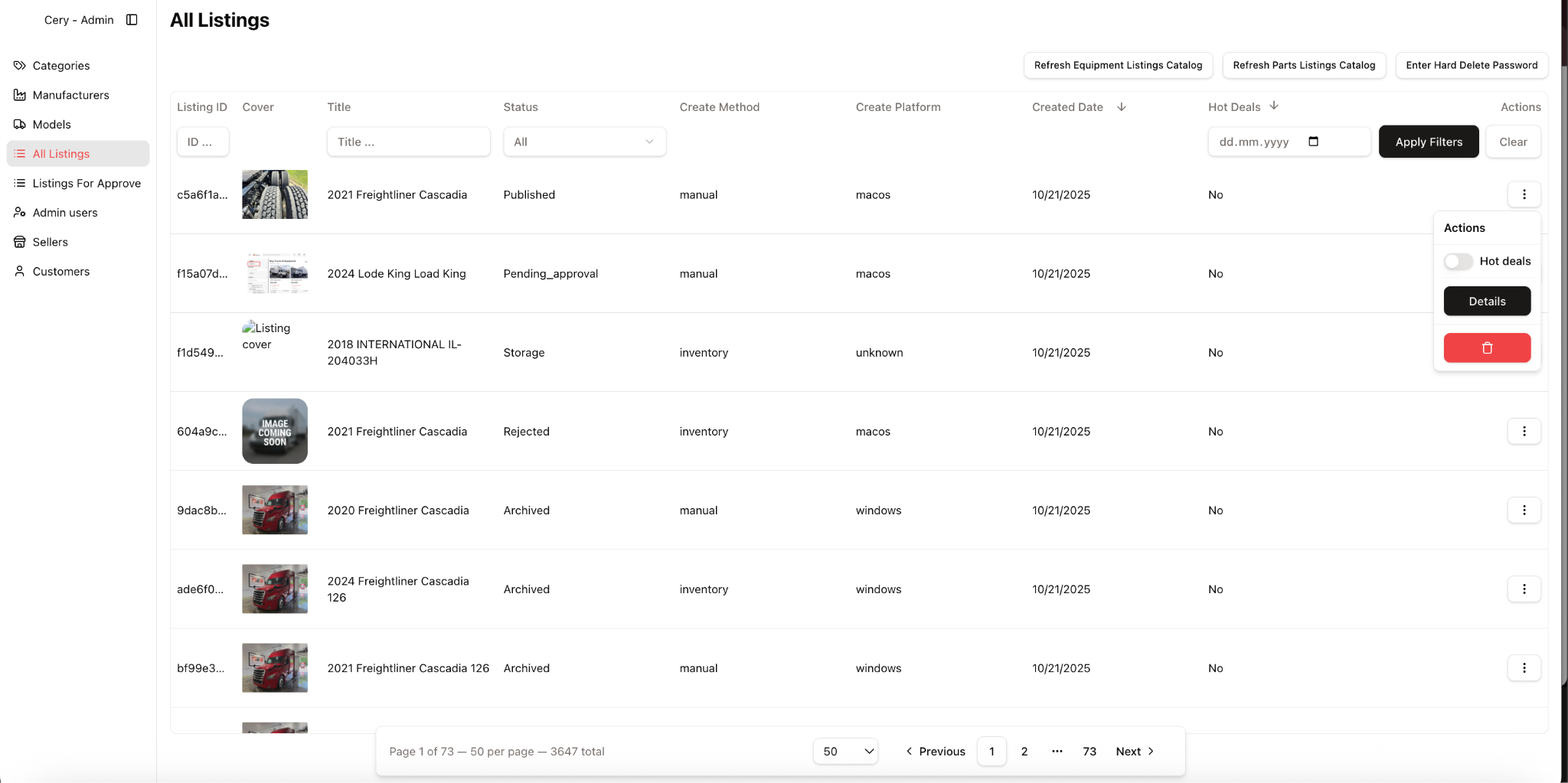
Added Action buttons for listing in dashboard for quick management access.
Removed redundant options to update published dates when editing a listing.
Added Image Carousel Preview on Listing Cards.
Keep "Sold" Listings Visible for 3 Weeks with Stroke to clearly display recently sold items.
The message input text field will now automatically increase in size as the user types a longer message.
User Experience
Completed design and functional improvements for the Comparison Tool.
Implemented Go Back Navigation for a smoother user flow across the platform.
All 404 error pages have been cleaned up and standardized.
The functionality to Hide similarities slider is now working as intended.
Backend & Admin
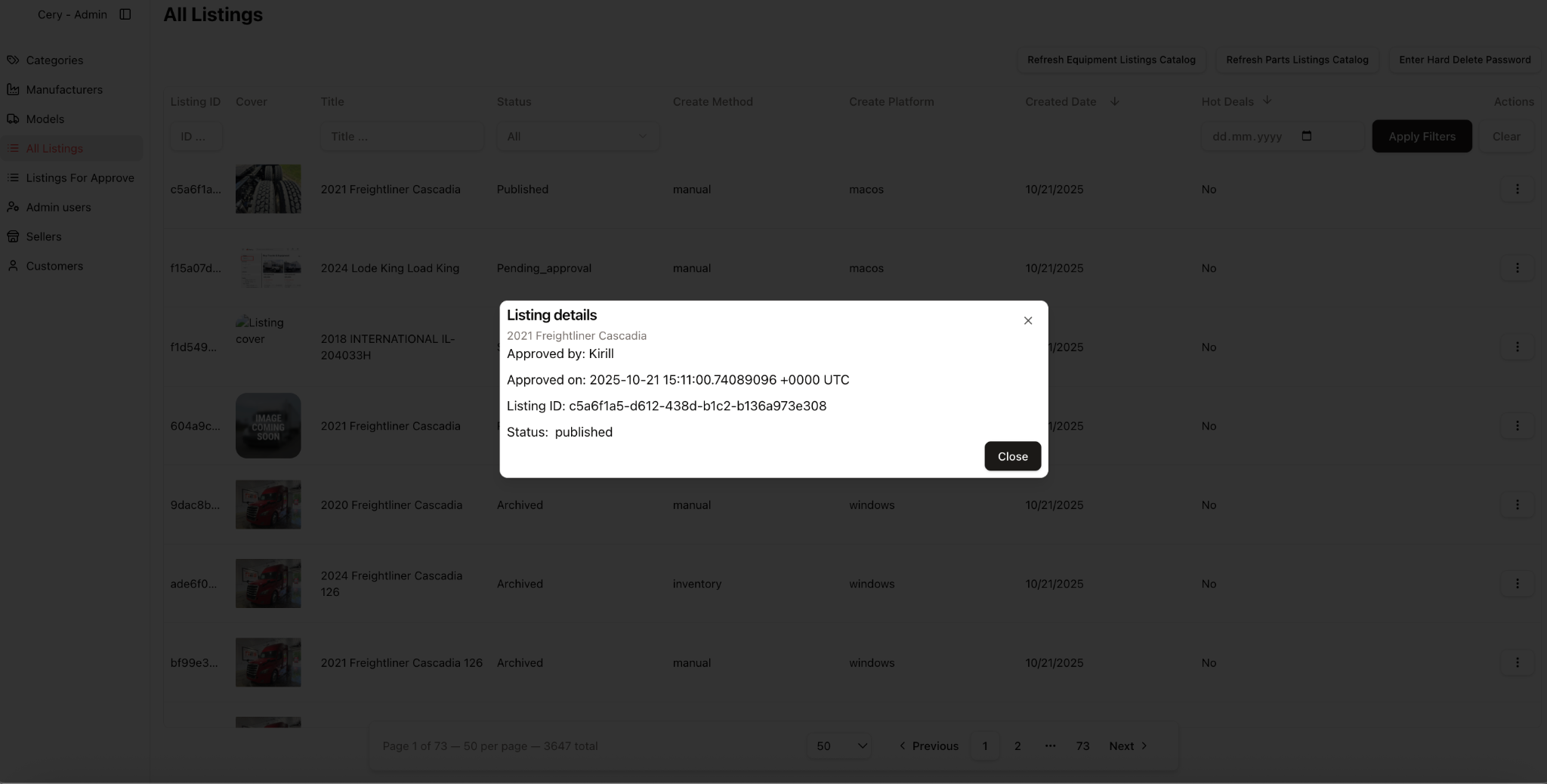
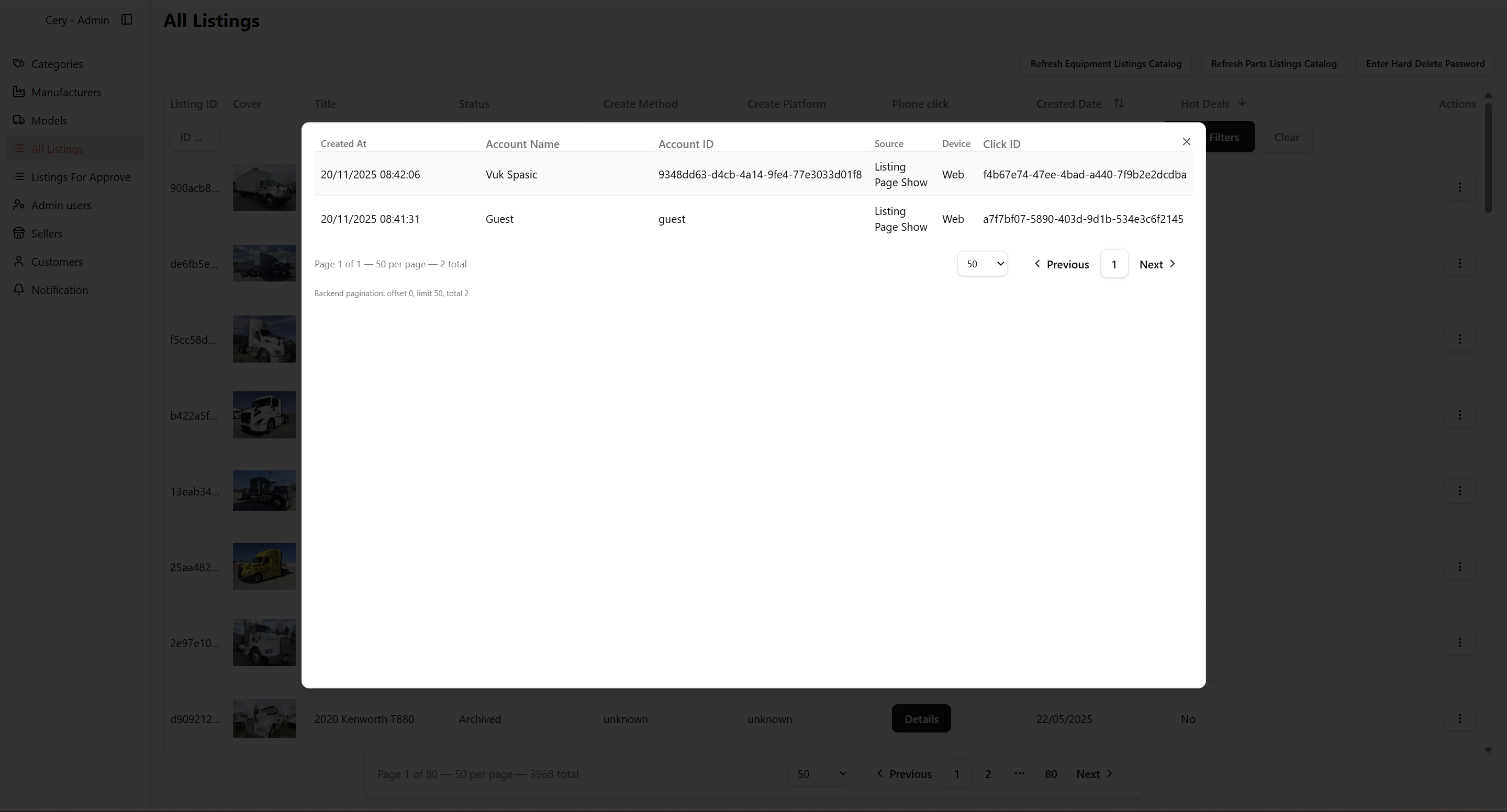
Added "Phone Clicks" Tracking in Admin Panel for better user behavior analysis.
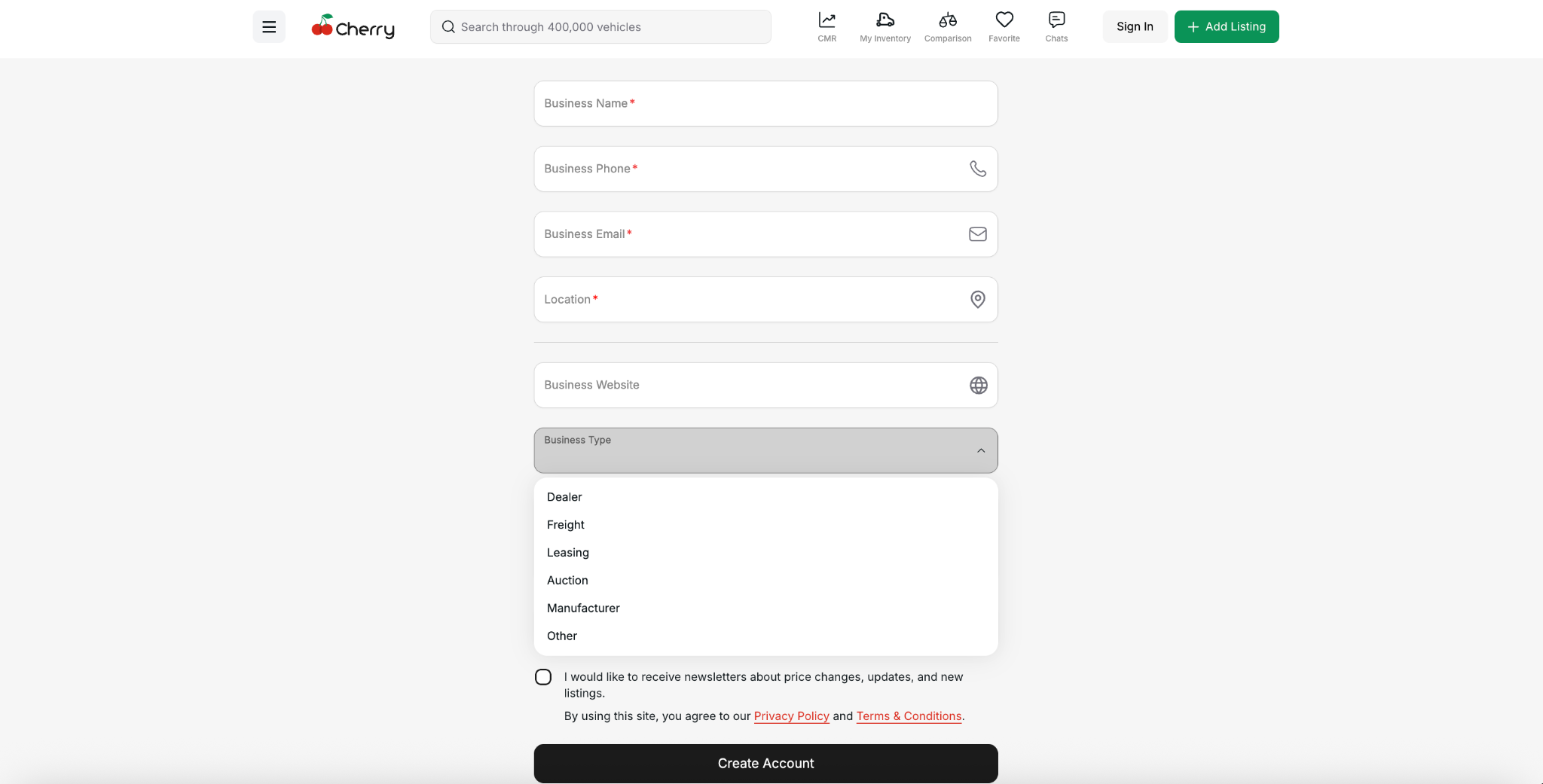
Updated public seller settings to align with the new sign-up flow.
🐛 Bug Fixes
Login & Authentication
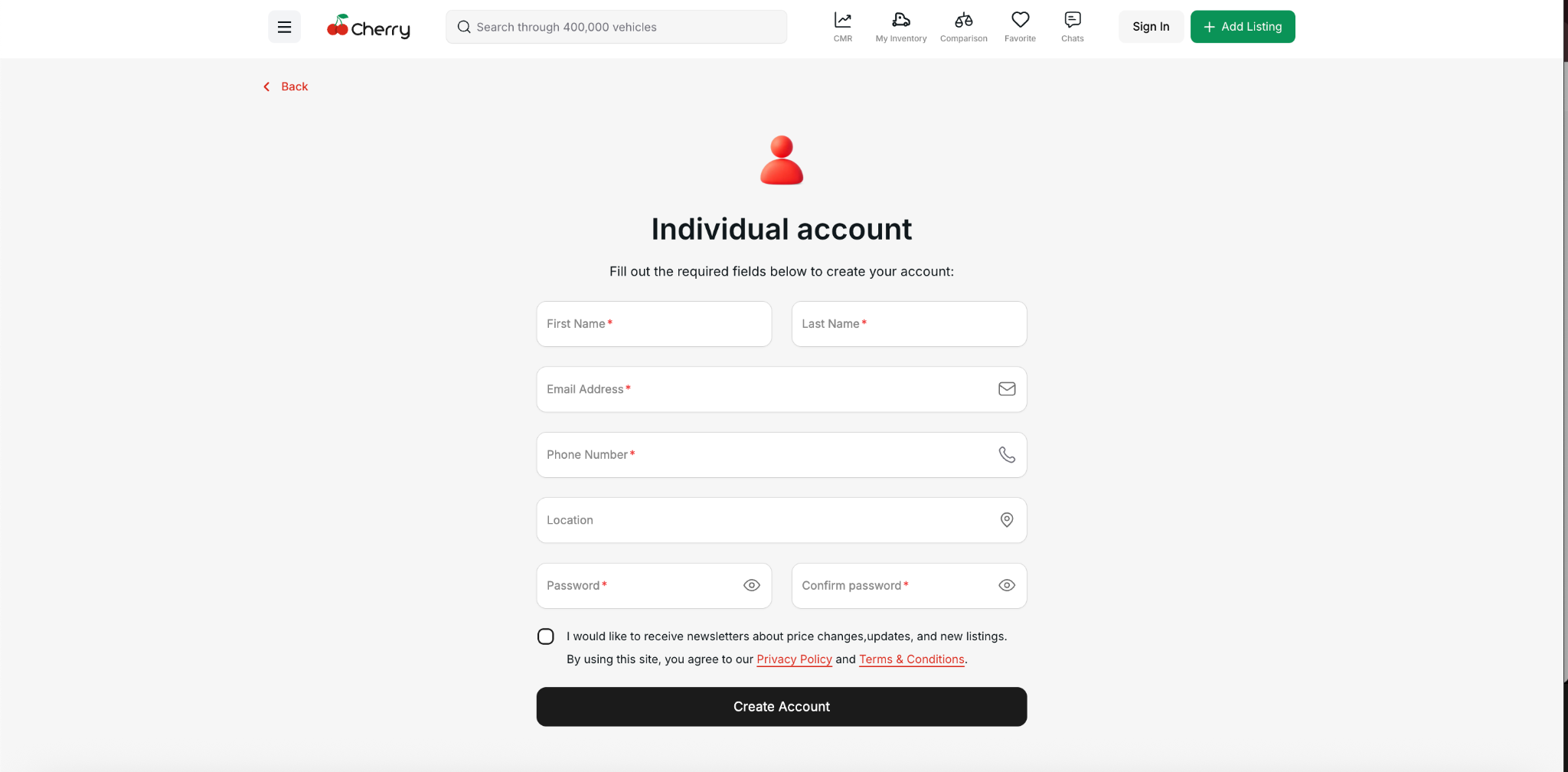
Fixed Google Sign Up and Sign In flow for new users
Fixed an issue preventing users from completing the login flow when attempting to use a phone number.
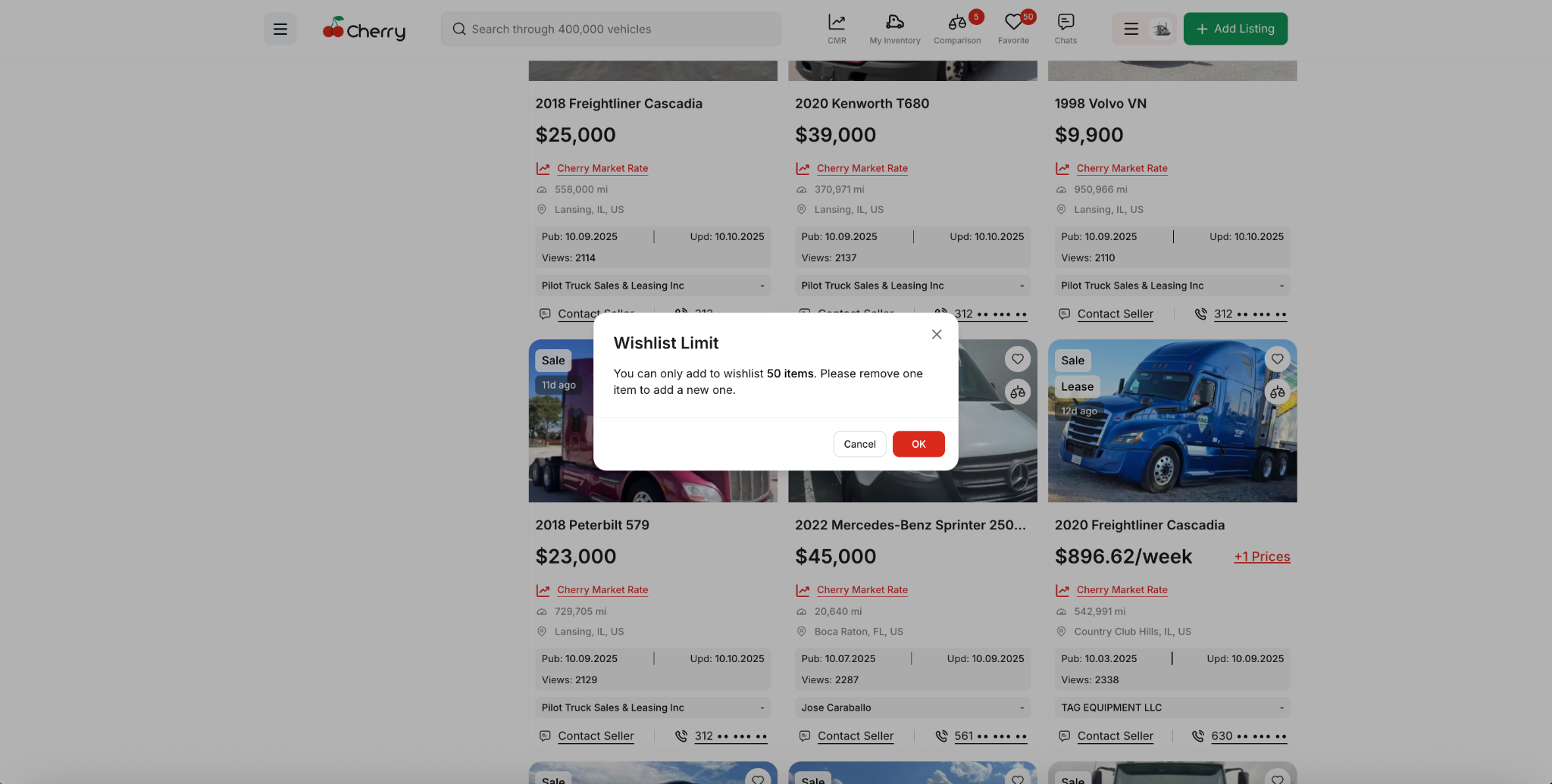
Addressed a security-related issue where iOS wishlist and comparison list were not updating/clearing upon user logout.
Visual & UI
Resolved a visual bug where some icons are displayed through the list with prices in the catalog view.
Fixed an inconsistency where the listing title's color was incorrect (the title has to be grey as the other part of the page).
Fixed a layout issue where a long title is under the price info, obscuring the price.
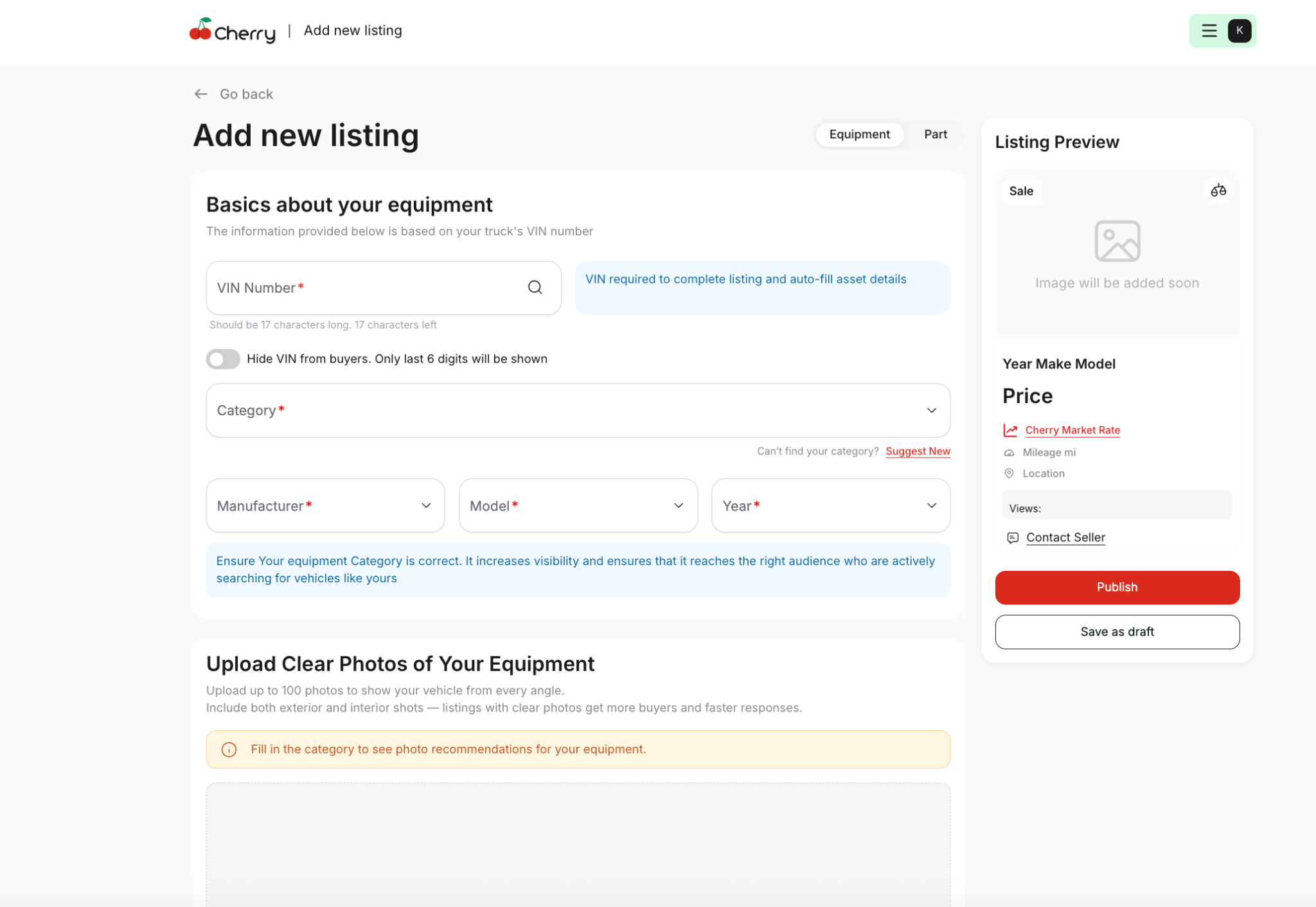
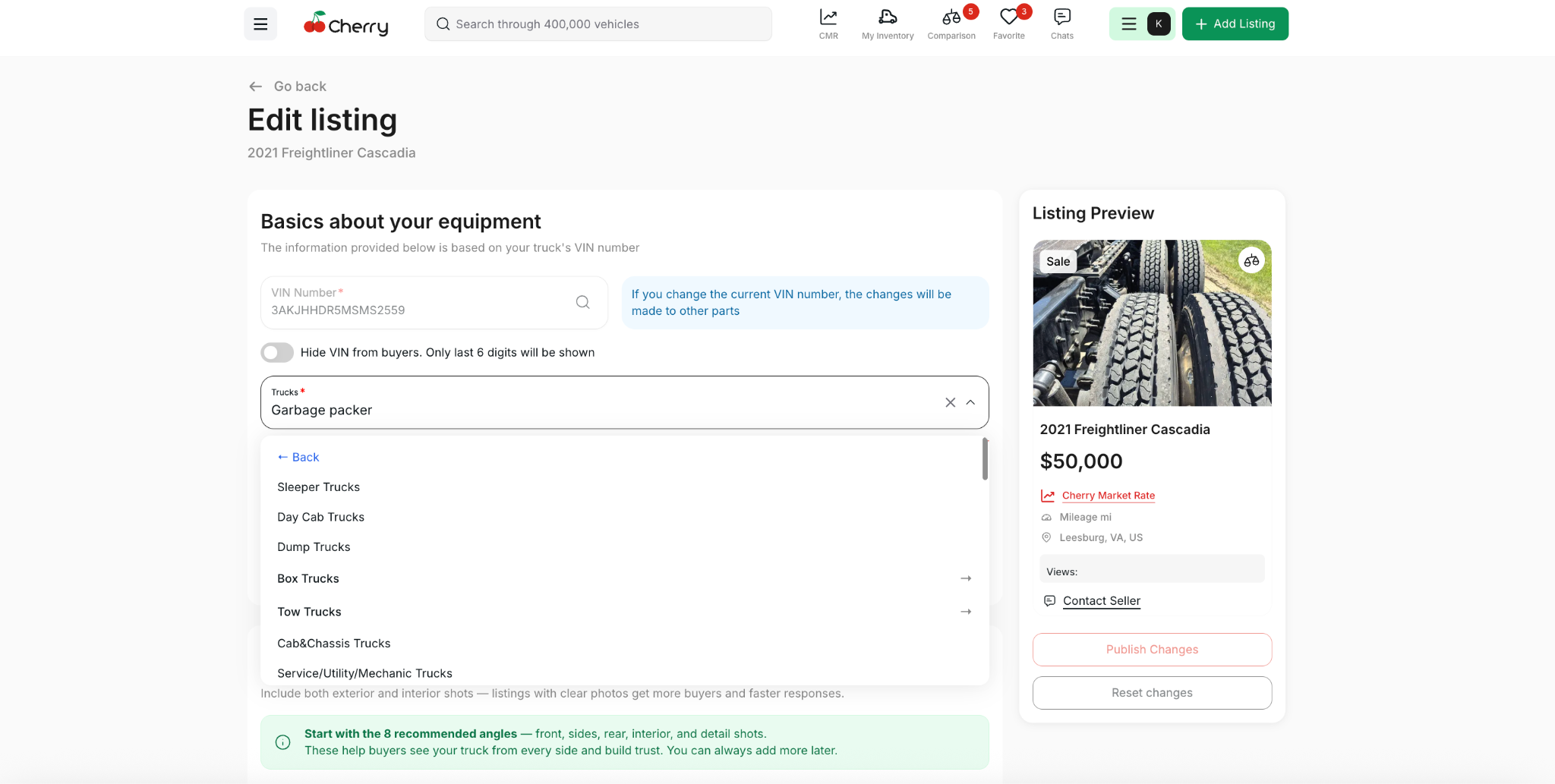
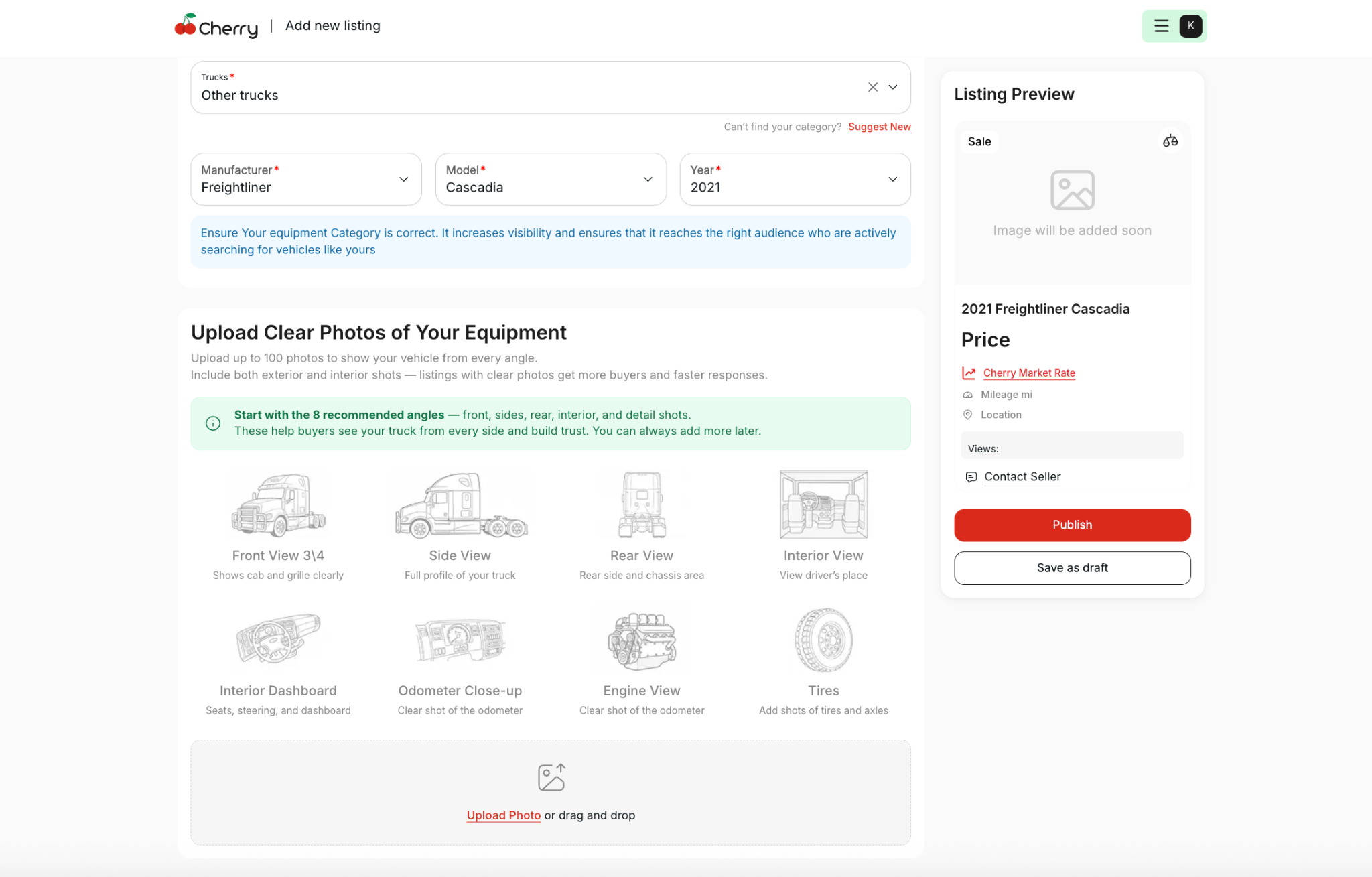
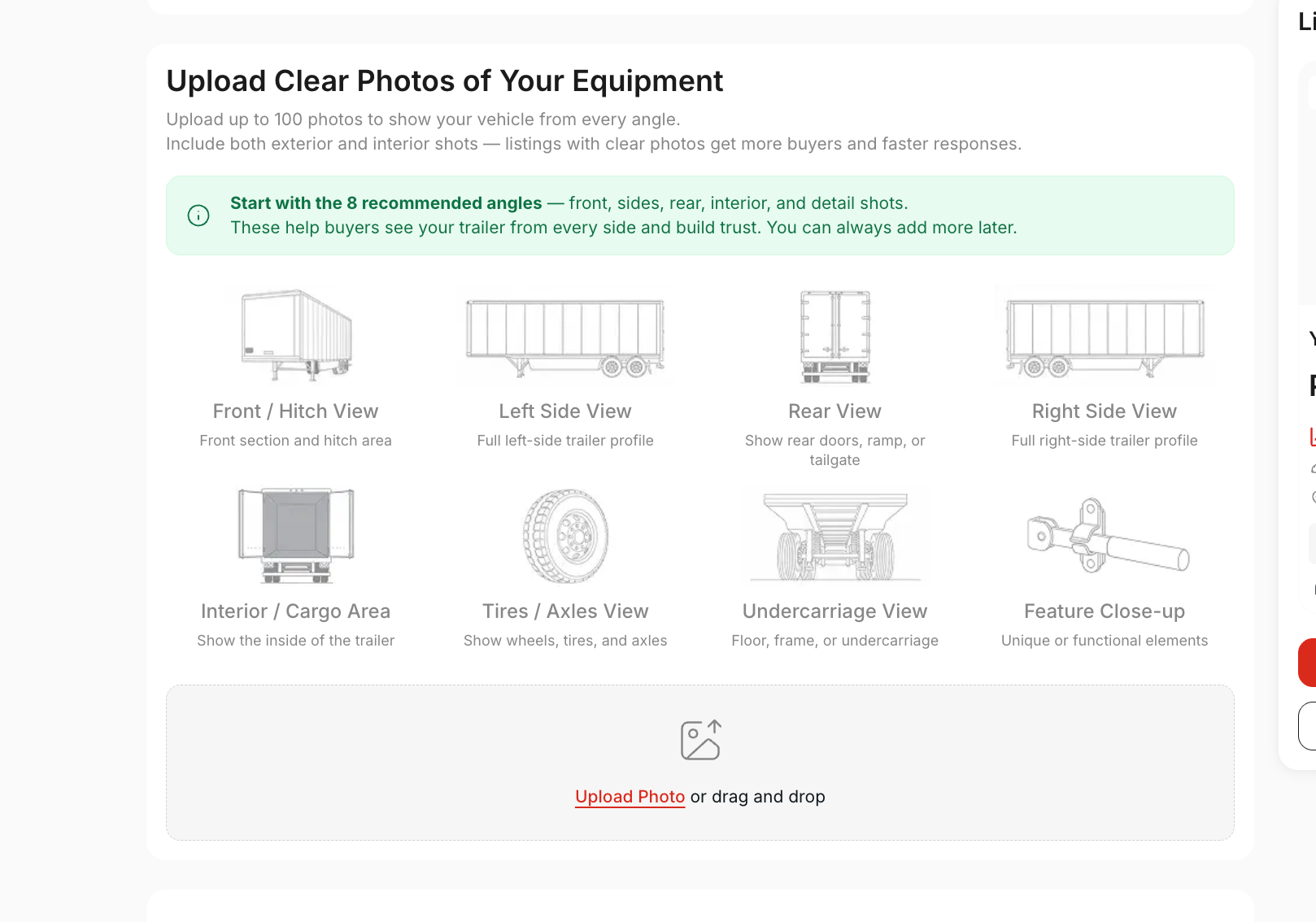
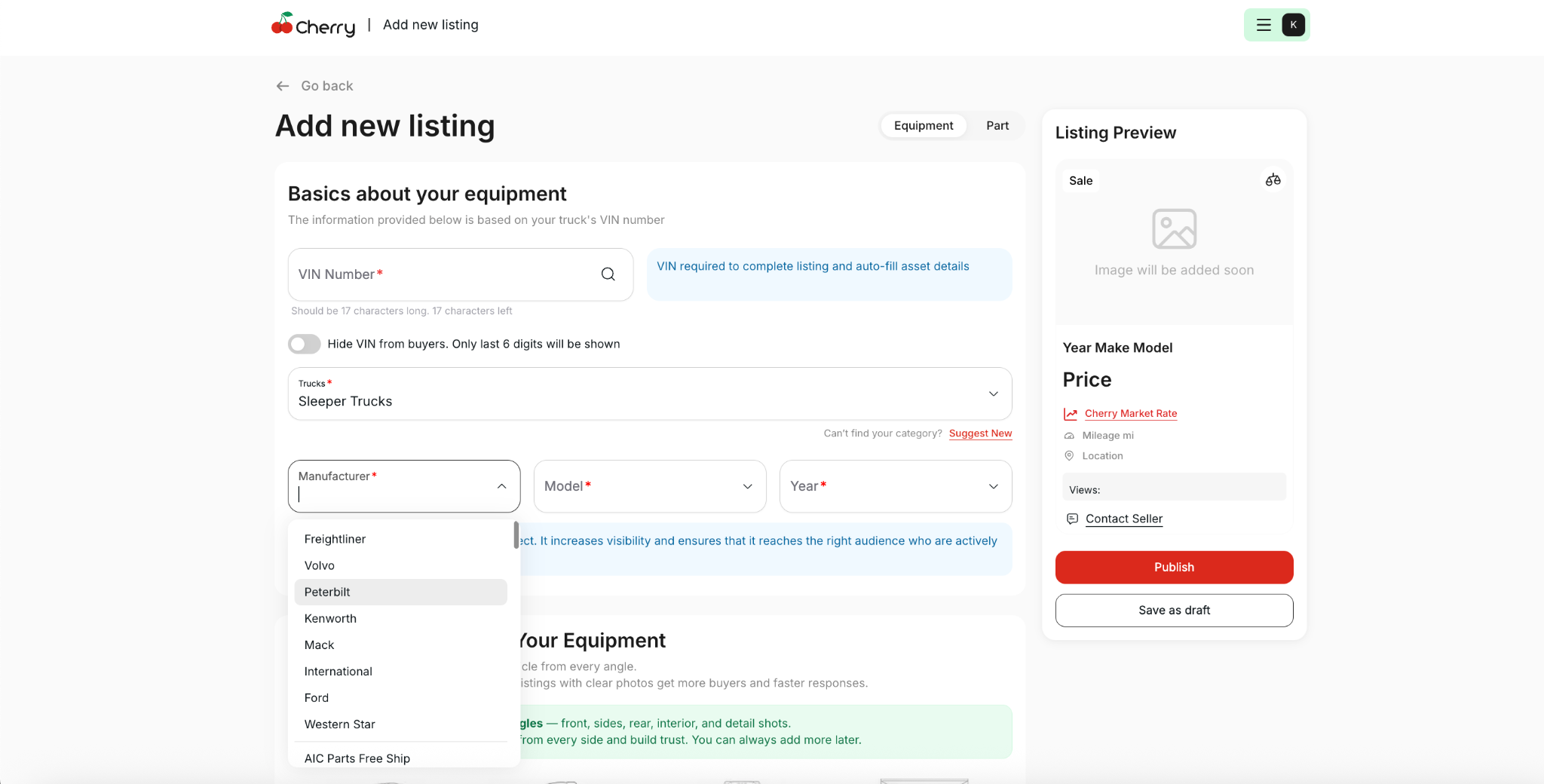
Addressed several general UI bugs on the create listing/asset page.
Removed the redundant $\text{*}$ element appearing if the category is construction.
Fixed an issue where any labels are not displayed at the listing image in the list view.
Core Functionality
Fixed a serious issue where a 500 error is displayed when user tries to delete account.
Resolved a bug where Business hours are not saved after form submission.
Fixed an issue that caused incorrect Chat order when user started a conversation.
Fixed the autofill function to correctly apply and save data in form fields.
On iOS, a clear error message is now displayed if birthday data is invalid.
Fixed the infinite loading icon issue that occurred after rotating one photo in the inventory.
Resolved the issue where the "Get started" page is displayed for the inventory after creating a listing instead of the intended view.