
Changelog

Follow new updates and improvements to Cherry Trader.

🚀 Release Notes (Nov 18)

This release delivers significant platform stability and numerous quality-of-life improvements across both the web and mobile experience.


✨ Features & Improvements

  • User Acquisition

  • Listing Management & Inventory

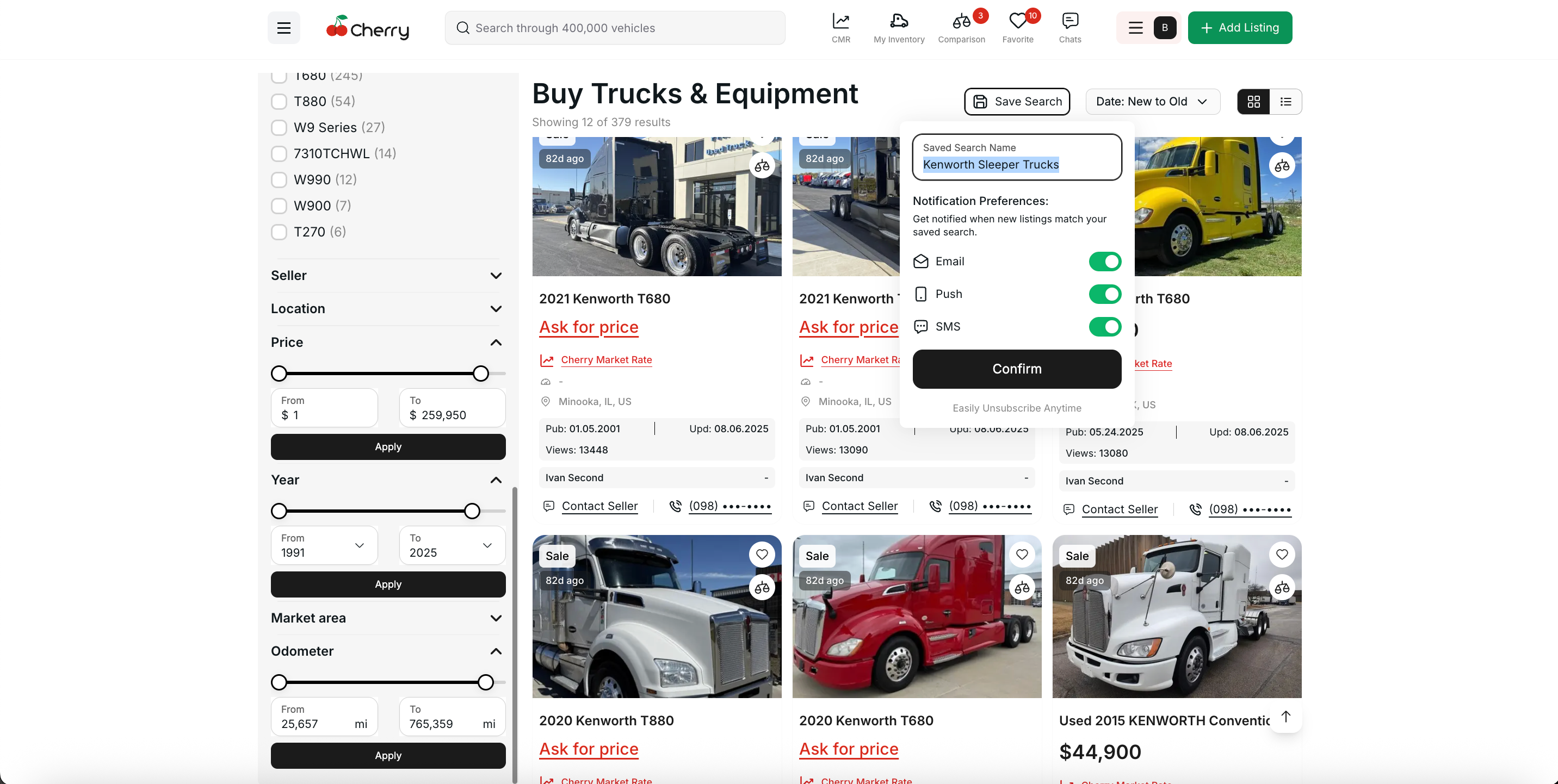
    • Completed the redesign and improvement of the Rework the "Saved Searches" functionality.

    • The "Submit Listing" pop-up has been refined for a better user experience.

    • Added Action buttons for listing in dashboard for quick management access.

    • Removed redundant options to update published dates when editing a listing.

    • Added Image Carousel Preview on Listing Cards.

    • Keep "Sold" Listings Visible for 3 Weeks with Stroke to clearly display recently sold items.

    • The message input text field will now automatically increase in size as the user types a longer message.

  • User Experience

    • Completed design and functional improvements for the Comparison Tool.

    • Implemented Go Back Navigation for a smoother user flow across the platform.

    • All 404 error pages have been cleaned up and standardized.

    • The functionality to Hide similarities slider is now working as intended.

  • Backend & Admin

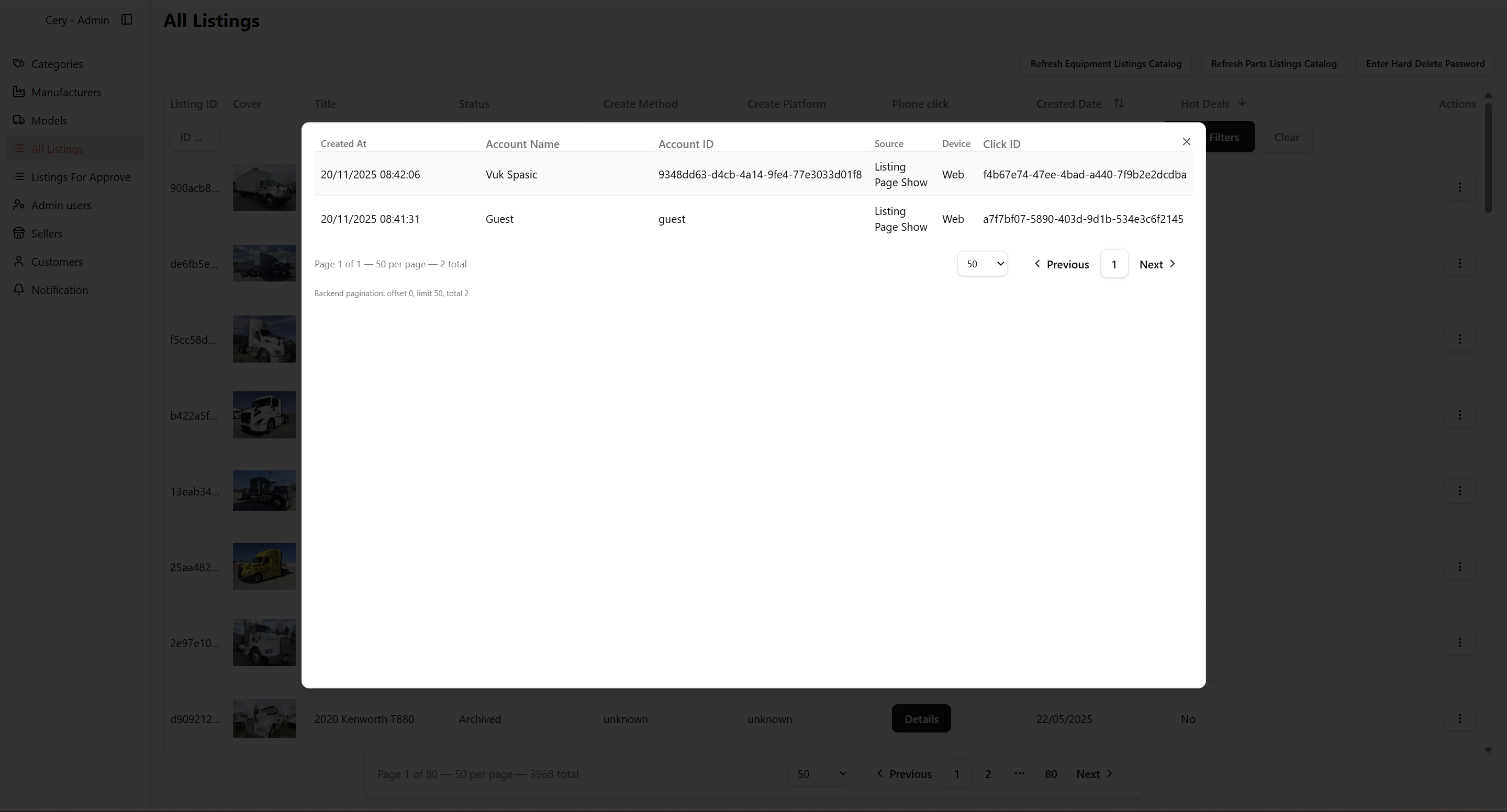
    • Added "Phone Clicks" Tracking in Admin Panel for better user behavior analysis.
    • Updated public seller settings to align with the new sign-up flow.

🐛 Bug Fixes

  • Login & Authentication

    • Fixed Google Sign Up and Sign In flow for new users

    • Fixed an issue preventing users from completing the login flow when attempting to use a phone number.

    • Addressed a security-related issue where iOS wishlist and comparison list were not updating/clearing upon user logout.

  • Visual & UI

    • Resolved a visual bug where some icons are displayed through the list with prices in the catalog view.

    • Fixed an inconsistency where the listing title's color was incorrect (the title has to be grey as the other part of the page).

    • Fixed a layout issue where a long title is under the price info, obscuring the price.

    • Addressed several general UI bugs on the create listing/asset page.

    • Removed the redundant $\text{*}$ element appearing if the category is construction.

    • Fixed an issue where any labels are not displayed at the listing image in the list view.

  • Core Functionality

    • Fixed a serious issue where a 500 error is displayed when user tries to delete account.

    • Resolved a bug where Business hours are not saved after form submission.

    • Fixed an issue that caused incorrect Chat order when user started a conversation.

    • Fixed the autofill function to correctly apply and save data in form fields.

    • On iOS, a clear error message is now displayed if birthday data is invalid.

    • Fixed the infinite loading icon issue that occurred after rotating one photo in the inventory.

    • Resolved the issue where the "Get started" page is displayed for the inventory after creating a listing instead of the intended view.
NewImprovedFixed

🚀 Release Notes (Oct 28)

Mobile – Profile Distinction

We’ve updated our mobile experience to better reflect the distinction between Personal and Business accounts, aligning it with the desktop version. This ensures consistent visibility and profile behavior across all platforms, making it easier for users to manage their listings and account settings on the go.


Blog Launch

We’ve introduced the first version of the Cherry Blog — a new space to share industry insights, platform updates, and educational content. The initial set of articles will be published as part of our marketing strategy in collaboration with the content team.


Pre-checked Newsletter Option on Sign-Up

To help users stay informed about platform updates, we’ve pre-checked the newsletter subscription option on the sign-up form. Users can still opt out anytime, but this improvement ensures more people receive important updates, price changes, and new listing notifications.


Limit Filters in Catalog to Available Data Range

We’ve refined how search filters work in the catalog. Now, filters dynamically adjust to show only the available data ranges for parameters like Year, Odometer, and Price.
This prevents users from selecting filter combinations that return empty results, improving search efficiency and overall user experience.


Buyer/Seller Interest in Sign-Up

The sign-up process now includes a short question asking whether a user is interested in buying, selling, or both. This data is stored in our system and helps us personalize user experience and future communication. This improvement simplifies onboarding while providing valuable segmentation data for marketing and support.


Standardized Phone Number Format on Listing Page and Listing Cards

We’ve standardized how phone numbers appear across the platform.
Numbers now follow a clear and consistent format — e.g., (708) 328-3341 — and include a clickable phone icon for quick access.
Additionally, we’ve added a small “Powered by Cherry Trader” label to reinforce brand visibility on embedded listing frames. This enhancement ensures a professional, unified look across web and partner integrations.


Filter Improvements

We’ve made several small but impactful usability improvements to filters across the catalog:

  • Added a “Clear All” button for faster reset.

  • Added loader to improve user experience when sending heavy requests.

  • Allowed to check the mother category.

  • Limited Filters to show only Available Data Range to avoid empty search results.

  • Enhanced the “Apply” button interaction to feel smoother on mobile.
    These updates reduce friction and make adjusting search parameters more intuitive.


Saved Search Improvements

The Saved Search feature has been enhanced for smarter and more personalized notifications.

  • Searches now auto-populate names based on selected make/model or filters.

  • Added SMS notification support for new listings that match saved criteria (optional, off by default).

  • Users can manage all saved searches more easily with clearer naming and visibility of criteria.
    These updates make it faster to save searches and stay informed about new opportunities.


Update Category Placement and VIN Logic in Add Listing

We’ve refined the Add Listing workflow to make it more flexible and aligned with customer needs.
This update was initiated after feedback from a customer managing over 130 construction listings, where VIN numbers were often unavailable.

Now, the Category field appears first when adding a listing. When users select the Construction category, the VIN number field becomes optional.
Additionally, we’ve expanded the categories tree with new makes and models, making it easier to upload large batches of construction equipment without unnecessary validation steps.


New

🚀 September Monthly Update

✅ What Shipped

Listings & UX

  • Better pagination & filters.

  • Hidden phone number logic reworked.

  • Inventory identifiers now visible under listing titles across web + mobile.

  • Auction flow improved: declined → draft, duplicate chat fixed, button states cleaned.

  • Added ability to enter feet and inches in one field.

  • Removed mandatory fields from deposit and mileage allowance.

  • Improved showing makes according to category chosen.

Data Quality & Reliability

  • VIN validator refactor, reduced false errors and duplicates.

  • Mileage validation unified, several 500s removed.

  • Photo/media bugs fixed, endpoints moved to reference service.

Admin Panel

  • Mapping v2: connect categories ⇄ makes/models/years.

  • Notifications admin fixes, source tracking, general stability.

CMR (Cherry Market Rate)

  • Year range logic simplified, unified across pages.

  • Mileage parsing + open-via-link bugs resolved.

Mobile

  • iOS: summary dashboard, safer edit/publish, permission/crash fixes, back button + data persistence.

  • Android: button state updates, VIN/save errors, address autofill, engine-make display, dropdown fixes.

Platform & Content

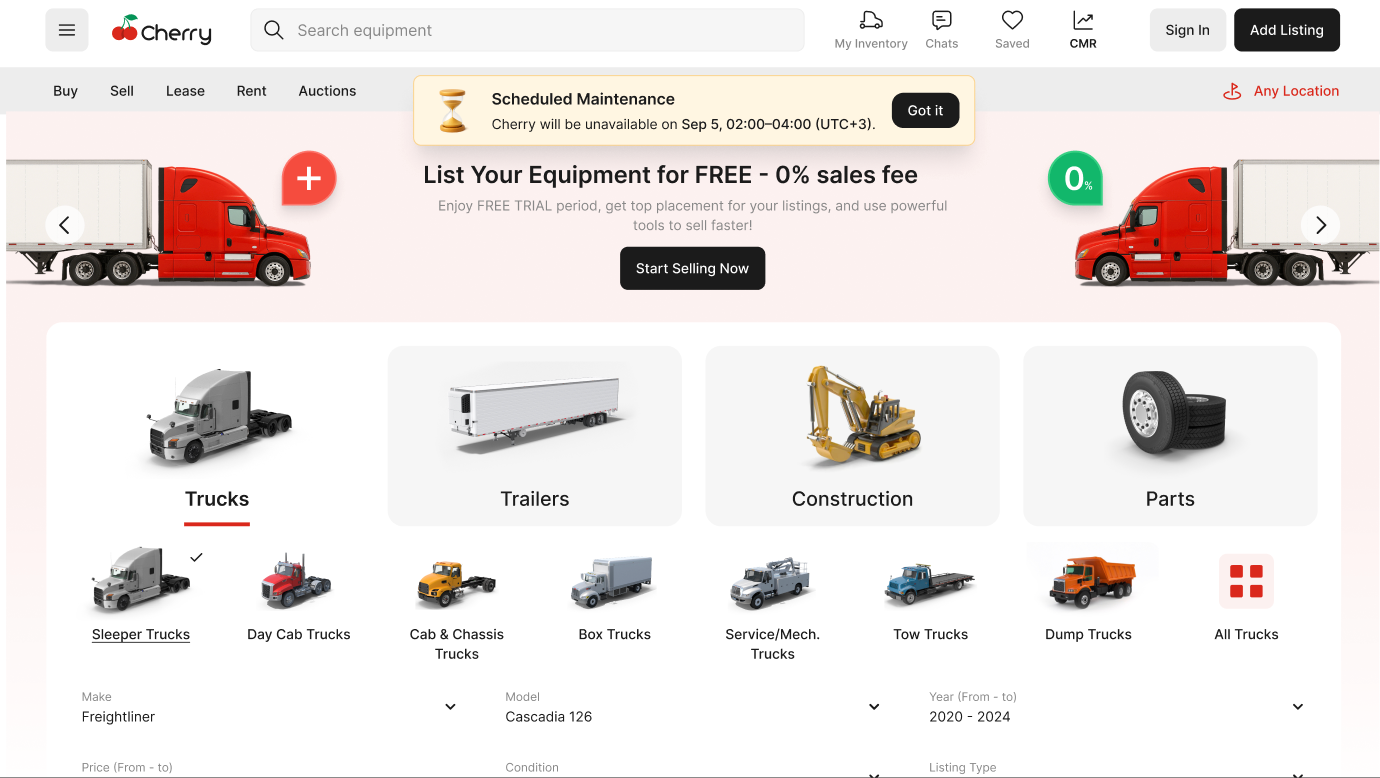
  • Downtime/maintenance banner.

  • First blog post published.

  • Hot Deals & navigation updates.


🔗 Integrations & Infrastructure

  • Anything in Motion integration completed.

New